








B2B Engagement Types
Automated to support every type of customer engagement: Jifflenow has you covered
1-to-1 Meetings
Meetings with a single customer, prospect or a 3rd Party

Product Demo

Sales Meeting

Meet the Expert
1-to-Many Engagements
Live or Virtual presentations to groups of businesses to educate or inform

Sessions

Roundtable
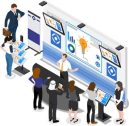
Booth Tour
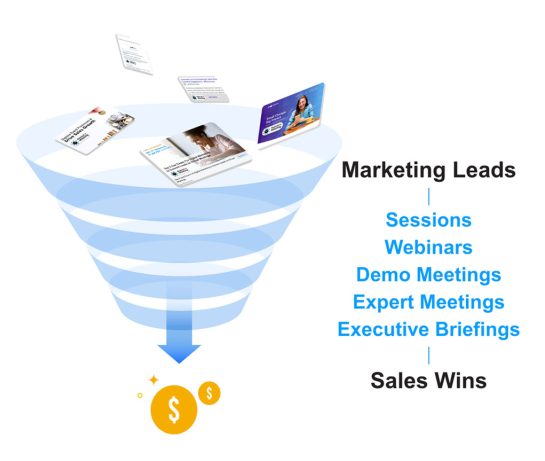
Bridge the Sales and Marketing Gap by Driving Meetings That Lead to More Growth
The gap between generating marketing leads and winning deals requires more face time for education or relationship-building engagement like meetings. Jifflenow’s meeting automation products enable marketing and sales to convert qualified leads into qualified engagements at events or ongoing marketing campaigns. It also provides visibility to meetings and sessions data, so you can see a direct impact on revenue.
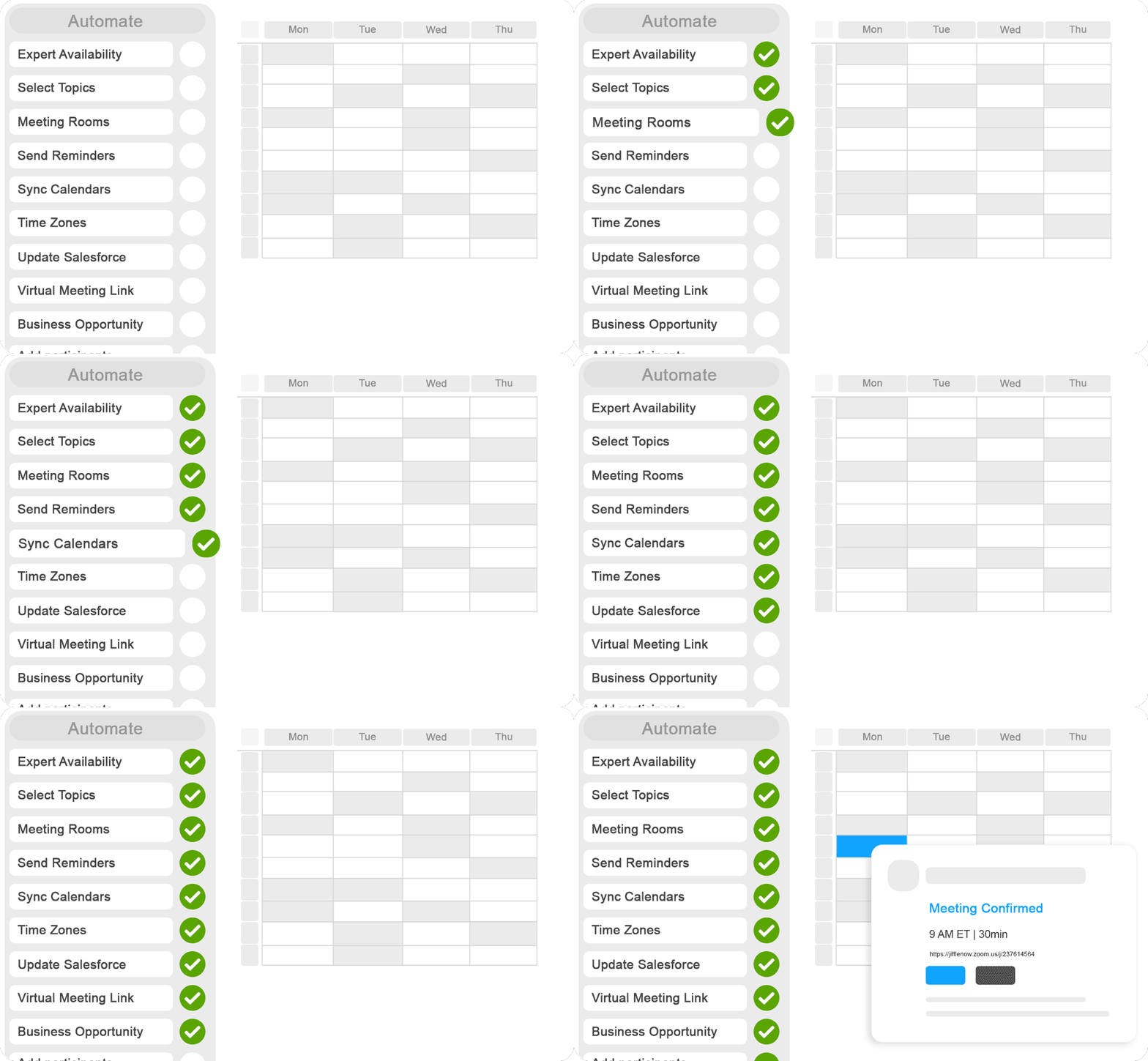
Accelerate business growth by eliminating inefficient back-and-forth emails and scheduling errors. Automate the process with customizable workflows and easily manage and report on hundreds of B2B meetings and sessions.
Here's Why We're Loved By the World's Biggest Brands
Efficiency
in driving marketing qualified meetings
Jifflenow helps reduce meeting scheduling efforts for sales and meeting managers by 85% with fewer emails, time-zone errors, double bookings, etc. The automated workflows help manage internal and external attendee participation.
- Lina D | EBC Events and Expansion Lead | Amazon Web Services
Growth
from more b2b meetings
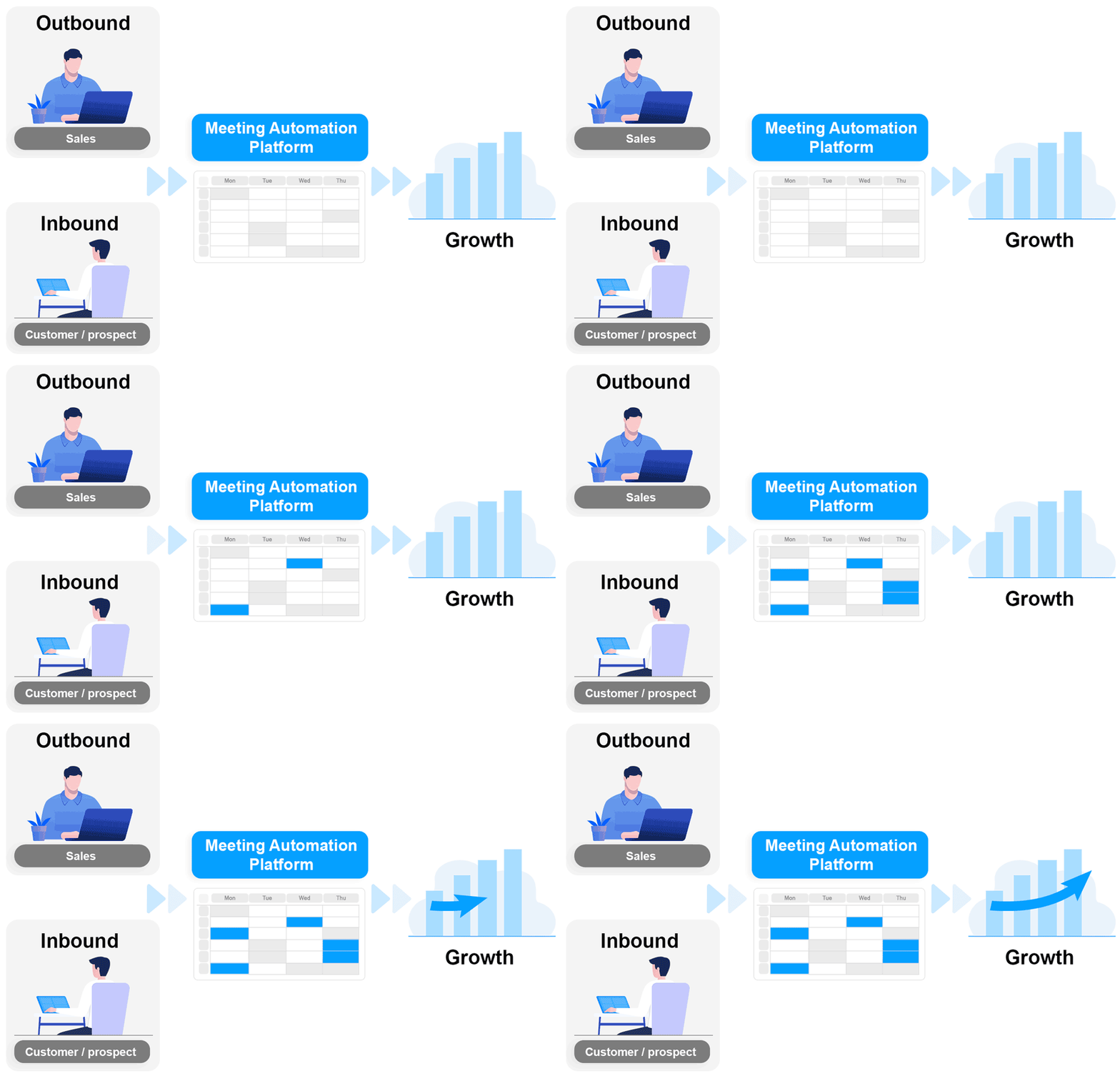
B2B meetings and sessions have the most impact on advancing sales and business growth. Drive more engagements by automating both outbound and inbound scheduling. Sales teams can easily book customer to meet with experts or sign them into sessions, while marketing teams can enable inbound requests from prospects for meetings or sessions.
- Stephanie S | | Source: G2
Visibility
into key performance indicators
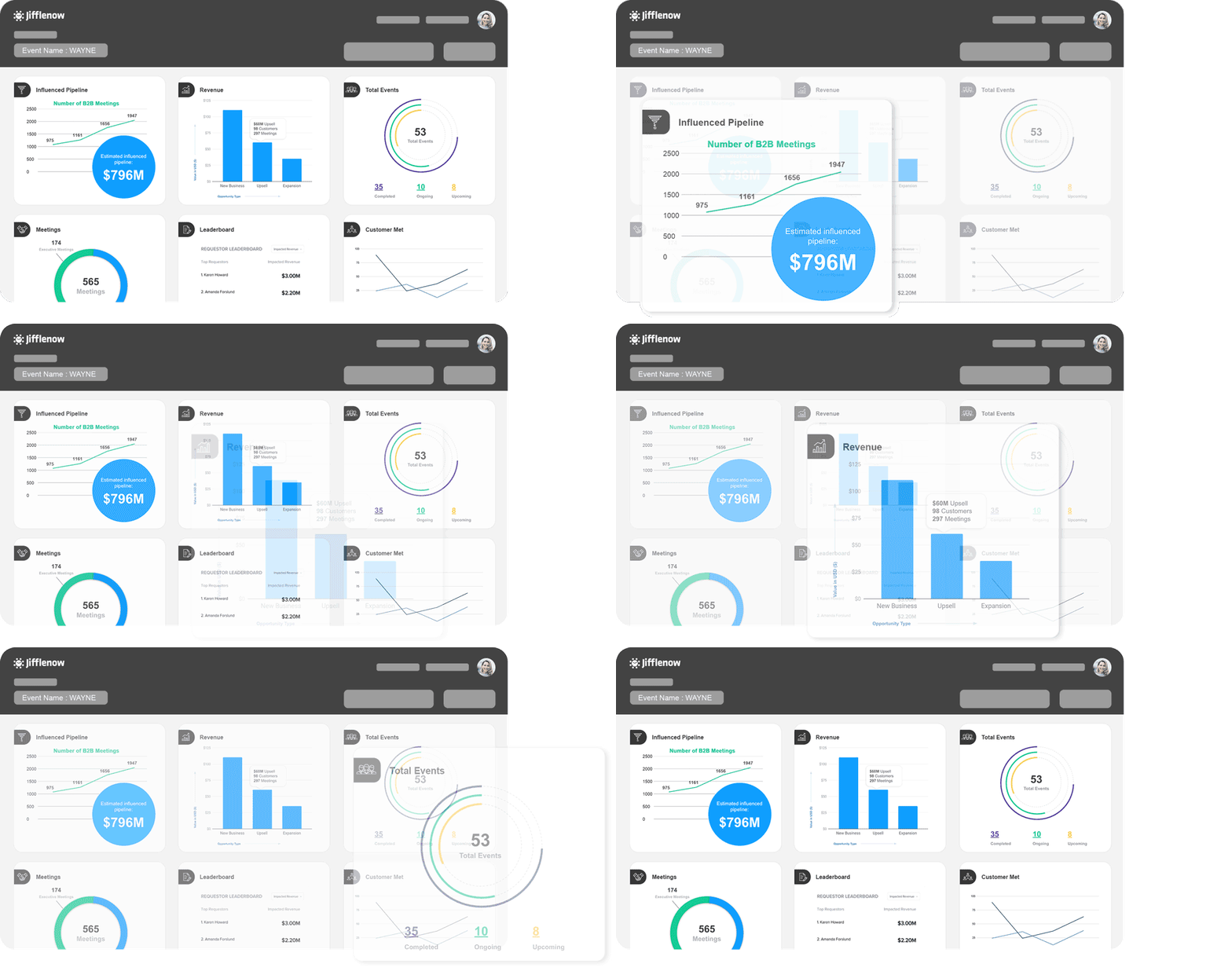
Dashboards offer meeting managers the ability to track the progress with key metrics such meetings booked, customers engaged, room utilization and more. After the event the standard and custom reporting capabilities gives access to broad data set to analyze the effectiveness of the event or campaign.
- Laurie S | Strategic Consultant | Sharp Exp